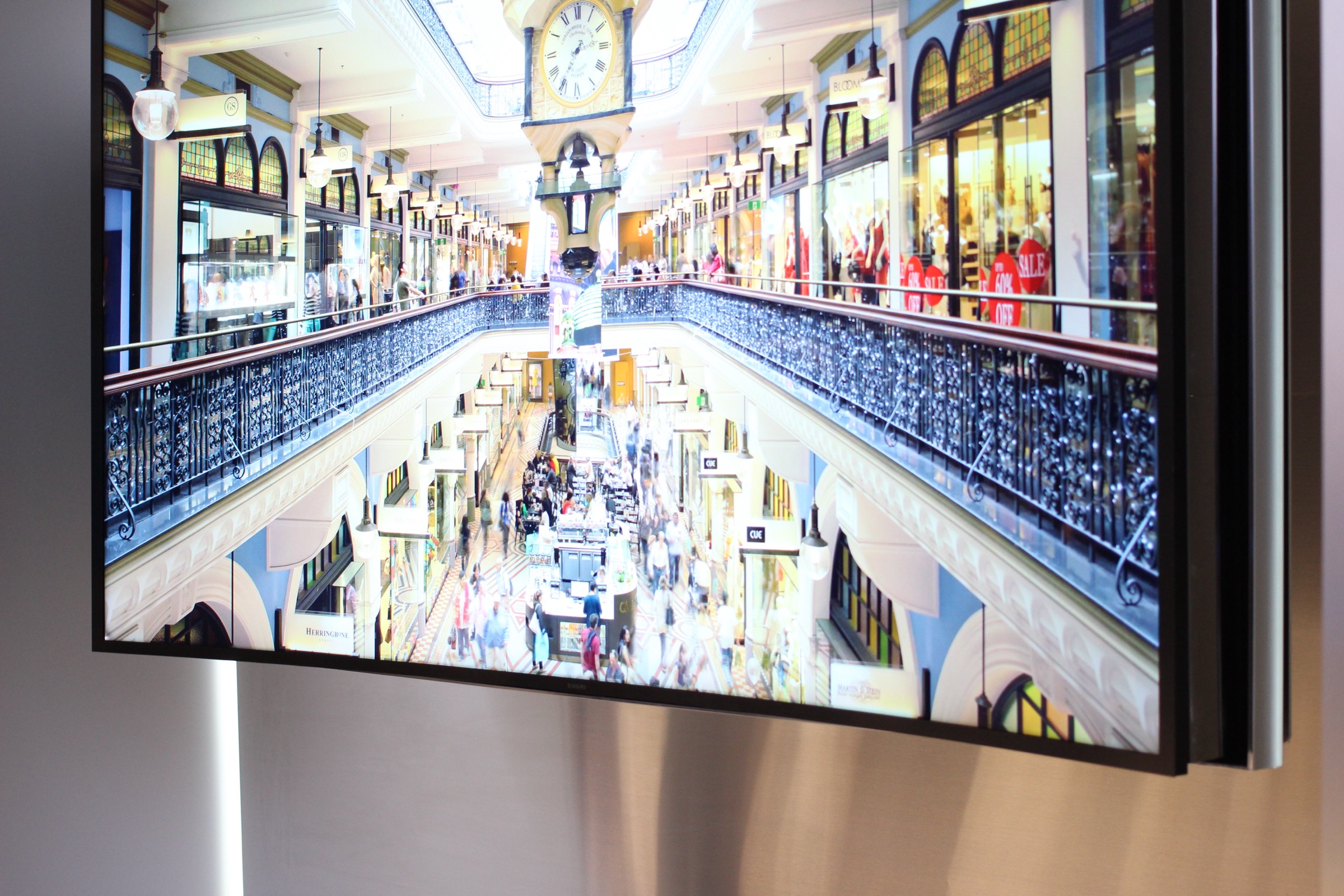
For competitive gaming at a desk within 3 feet, a 4K monitor wins: lower input lag, higher pixel density for close viewing, better ergonomic stand. For console gaming on a couch, movies, or mixed use at living room distances, a 4K TV wins: larger screen, better HDR performance, Dolby Vision, and better value above 40 inches. The right choice depends on where you sit and what you are doing.
4K TV vs 4K monitor at a glance
| Spec | 4K TV | 4K Monitor | Winner |
|---|---|---|---|
| Input lag (gaming) | 10 to 20ms (Game Mode) | 1 to 5ms typical | Monitor |
| Screen size range | 43 to 98 inches | 24 to 43 inches | TV for large screens |
| HDR performance | Excellent (OLED, QLED) | Good to moderate | TV |
| Pixel density at 2 feet | Too low below 32″ | High at 27 to 32″ | Monitor |
| Dolby Vision support | Common | Rare | TV |
| Ergonomic stand (height/tilt) | Limited | Full adjustment | Monitor |
| Price per inch above 40″ | Low | Very high | TV |
When a 4K TV beats a monitor
Console gaming from a couch at 6 to 10 feet is where TVs dominate. Modern 4K TVs with Game Mode achieve 10 to 20ms input lag, which is imperceptible for console gaming. The larger screen size and better HDR from OLED or QLED panels deliver a more cinematic gaming experience than any monitor.
Movies and streaming content also favor TVs. Dolby Vision support is standard on most mid-range 4K TVs and rare on monitors. The contrast performance from an OLED or QLED TV at $800 to $1,200 exceeds what most comparably priced monitors deliver. My OLED TV at 9 feet for film content is genuinely cinematic in a way no 32-inch monitor can replicate.
When a 4K monitor beats a TV
Competitive gaming at a desk is the clearest monitor advantage. A 27-inch 4K monitor at 2 feet delivers higher pixel density than a 55-inch TV at 6 feet. Input lag below 5ms is achievable with gaming monitors at 144Hz or 240Hz, which no TV matches even with Game Mode. For fast-paced competitive titles where milliseconds matter, a monitor is the better tool.
Desk work and productivity also favor monitors. Ergonomic stands allow height, tilt, and pivot adjustment that TV stands do not. Text readability at 2 feet is sharper on a 27-inch 4K monitor than on a large TV used as a monitor. High-DPI text rendering at close range is where monitor pixel density pays off.
Frequently asked questions
Can I use a 4K TV as a monitor?
Yes, but there are trade-offs. At desk distances of 2 to 3 feet, text can look slightly soft on a large TV compared to a high-DPI monitor. Pixel density on a 43-inch TV at 2 feet is lower than a 27-inch monitor at the same distance. For general use and media consumption it works well. For detailed text work, a monitor is more comfortable.
Is input lag better on a 4K TV or monitor?
Monitors win on input lag. Gaming monitors achieve 1 to 5ms response times. 4K TVs in Game Mode achieve 10 to 20ms. For console gaming and casual PC gaming, the TV lag is imperceptible. For competitive PC gaming where every millisecond counts, a monitor’s lower lag is a genuine advantage.
See our top 4K TV picks for gaming
Our tested gaming TV picks deliver the lowest input lag at every budget.
See gaming 4K TV picks