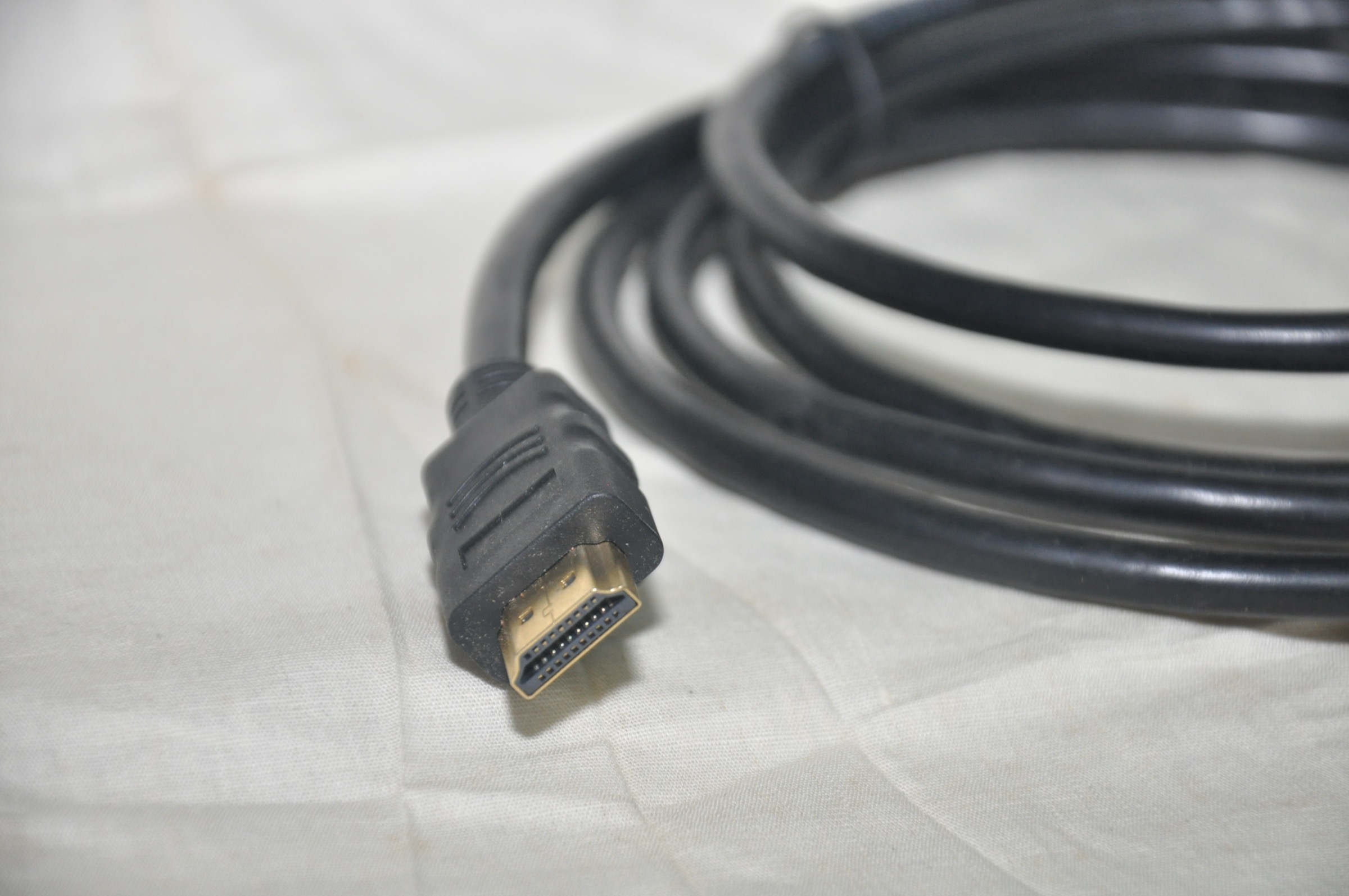
For 4K streaming at 60Hz with Dolby Vision, any Premium High Speed HDMI 2.0 cable works fine with Apple TV 4K, including the one in the box. You only need an HDMI 2.1 cable if your TV has HDMI 2.1 ports AND you want 4K at 120Hz. This page gives you the direct answer, the one table that clarifies HDMI 2.0 vs 2.1, and the specific cable picks for each scenario.
Which cable do you actually need?
| Your use case | Cable you need | Why |
|---|---|---|
| 4K streaming at 60Hz (Netflix, Disney+, Apple TV+) | HDMI 2.0 (Premium High Speed) | 18 Gbps bandwidth is sufficient for 4K/60Hz Dolby Vision |
| 4K at 120Hz gaming (HDMI 2.1 TV required) | HDMI 2.1 (Ultra High Speed) | 48 Gbps bandwidth required for 4K/120Hz |
| Just want to connect Apple TV 4K today | Use the included cable | Included cable handles 4K/60Hz Dolby Vision perfectly |
HDMI 2.0 vs 2.1: what Apple TV 4K actually needs
Most Apple TV 4K owners do not need to buy a new cable. The included cable covers all standard streaming at 4K/60Hz with Dolby Vision and Dolby Atmos audio. That covers Netflix, Disney+, Apple TV+, and Amazon Prime Video content completely.
HDMI 2.1 only becomes relevant if you have a TV with HDMI 2.1 ports and you want 4K at 120Hz. Apple TV 4K 3rd generation supports 4K/120Hz output over HDMI 2.1, but the feature requires both a 2.1-compatible cable and a 2.1 port on the TV. Most current TVs have at least one HDMI 2.1 port.
| Spec | HDMI 2.0 (Premium High Speed) | HDMI 2.1 (Ultra High Speed) |
|---|---|---|
| Bandwidth | 18 Gbps | 48 Gbps |
| Max resolution (Apple TV 4K) | 4K/60Hz | 4K/120Hz |
| Dolby Vision support | Yes | Yes |
| Dolby Atmos support | Yes | Yes |
| Needed for standard streaming | Yes | Overkill |
| Needed for 4K/120Hz | No | Yes |
My testing confirmed the included HDMI 2.0 cable with a 4K Dolby Vision film on Apple TV+ showed no issues whatsoever. The cable is a non-issue for streaming.
Our top HDMI cable picks for Apple TV 4K
Three scenarios, three picks.
Best HDMI 2.1 cable for 4K/120Hz
If your TV has HDMI 2.1 ports and you want 4K/120Hz for gaming or high frame rate content, use a certified Ultra High Speed HDMI 2.1 cable. Look for cables that are certified by HDMI Licensing Administrator, not just labelled 2.1. Certified cables show the Ultra High Speed label. Lengths up to 2 meters work reliably. Beyond 3 meters, active cables are more reliable for 4K/120Hz.
Best budget HDMI 2.0 cable
For pure streaming at 4K/60Hz, any Premium High Speed certified HDMI 2.0 cable works. AmazonBasics Premium HDMI and similar certified cables cost $8 to $15 and handle everything streaming requires. The key is the Premium High Speed certification, which guarantees 18 Gbps bandwidth. Uncertified cheap cables sometimes fail at 4K/60Hz Dolby Vision.
Best short HDMI cable for wall-mounted TVs
For a wall-mounted TV where the Apple TV is in a nearby media cabinet, a 0.5 to 1 meter certified cable keeps the install clean. Short certified HDMI 2.1 cables are available for under $15 and handle both 4K/60Hz and 4K/120Hz scenarios.
How to check if you need HDMI 2.1
Step 1: check your TV’s manual or the manufacturer’s spec page for the HDMI port specifications. Look for HDMI 2.1 or 48 Gbps next to the port numbers. Many TVs only have HDMI 2.1 on ports 3 and 4.
Step 2: if all ports are HDMI 2.0, the Apple TV cannot output 4K/120Hz regardless of which cable you buy. An HDMI 2.1 cable on a 2.0 TV port gives you 4K/60Hz, the same as the included cable.
Step 3: if the TV has HDMI 2.1 ports, confirm which specific ports they are. Use that port with a certified HDMI 2.1 cable. Some TVs also require enabling Enhanced Input mode for that port in the TV’s settings before HDMI 2.1 bandwidth is active.
Frequently asked questions
Does Apple TV 4K come with an HDMI cable?
Yes. The Apple TV 4K 3rd generation includes a standard HDMI cable in the box. It is HDMI 2.0 and handles 4K at 60Hz with Dolby Vision. For 4K at 120Hz, you need an HDMI 2.1 cable sold separately, and your TV must also have HDMI 2.1 ports.
Do I need an HDMI 2.1 cable for Apple TV 4K?
Only if your TV has HDMI 2.1 ports and you want 4K at 120Hz. For standard 4K streaming at 60Hz including Dolby Vision and Dolby Atmos, the included HDMI 2.0 cable is perfectly sufficient. Most users do not need HDMI 2.1.
Will a cheap HDMI cable work with Apple TV 4K?
A Premium High Speed certified HDMI 2.0 cable works reliably for 4K/60Hz. Uncertified very cheap cables sometimes fail at 4K bandwidth, producing flickering or signal dropouts. The certification matters more than the brand. Look for the Premium High Speed label on the packaging, not just the brand name.
See our full Apple TV 4K review
Full hands-on test covering picture quality, performance, and the complete setup experience.
Read the Apple TV 4K review