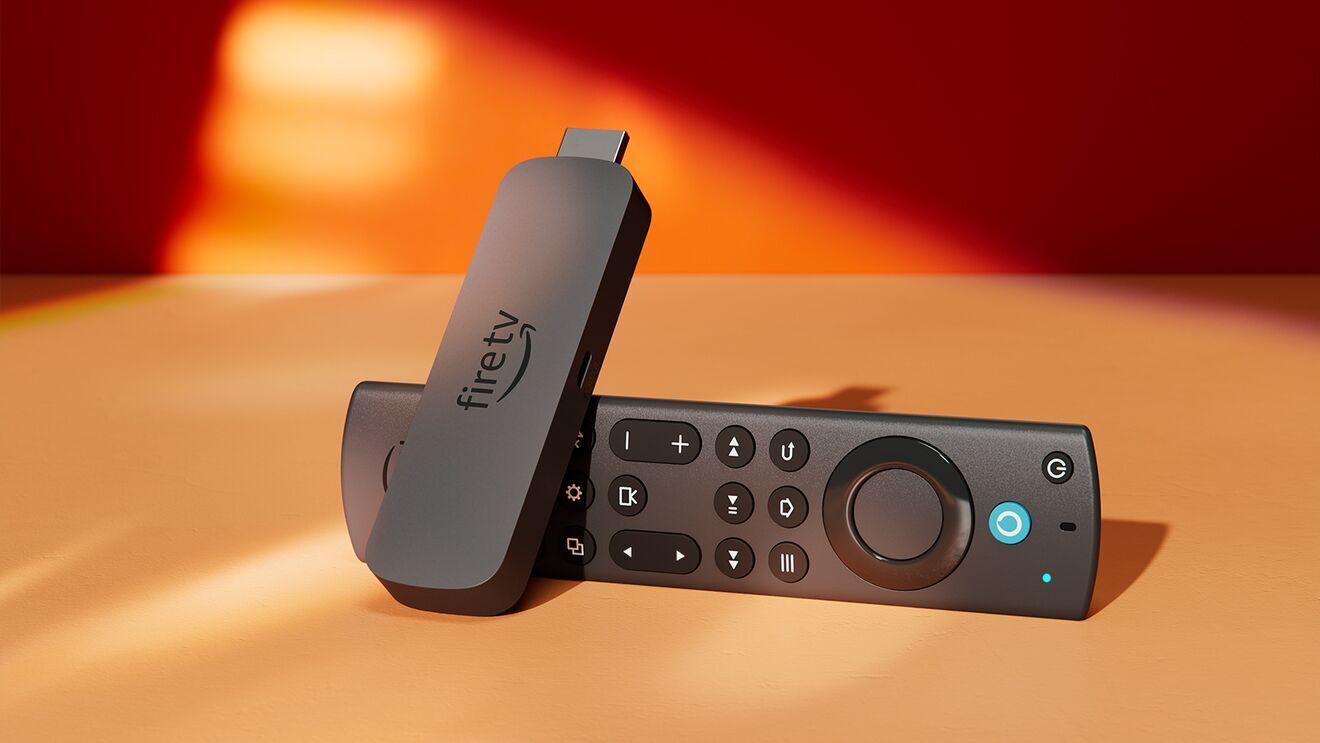
iC Drama is not on the Amazon App Store, so installing it on a Fire TV Stick 4K Max requires sideloading: downloading the APK file from the iC Drama official source using a downloader app. The process takes about 5 to 10 minutes and only needs to be done once. This guide covers the exact steps, including enabling Unknown Sources in Fire TV settings before you start.
What you will need
- Amazon Fire TV Stick 4K Max (or any Fire TV device)
- Active Wi-Fi connection
- The official iC Drama APK URL (verify at the official iC Drama website before starting)
Step 1: enable Apps from Unknown Sources
Fire TV blocks installation of apps from outside the Amazon App Store by default. You must enable sideloading before downloading iC Drama.
Navigate to Settings > My Fire TV > Developer Options > Apps from Unknown Sources > Turn On. A warning message appears explaining the security implications. Confirm to enable. This setting allows APK installation from any source, so only enable it for apps you trust from verified sources.
Step 2: install the Downloader app
Downloader by AFTVnews is the standard sideloading tool for Fire TV. It is available on the Amazon App Store and handles APK downloads and installation directly on the device. From the Fire TV home screen, go to the search bar and type Downloader. Install the app by AFTVnews specifically. It is free.
Step 3: download and install the iC Drama APK
Open the Downloader app after installation. In the URL field, enter the iC Drama APK download address. Use only the official iC Drama source. Unofficial APK mirrors carry security risks and may contain modified versions. Verify the current official URL at the iC Drama website before proceeding, as APK distribution URLs change over time.
After entering the URL, tap Go. Downloader downloads the file and then prompts you to install it. Tap Install and wait for the installation to complete. If prompted again to allow installation from Unknown Sources at this step, confirm it.
Step 4: launch iC Drama
After installation, iC Drama appears in Your Apps and Channels on the Fire TV home screen. If it does not appear immediately, go to Your Apps and Channels > See All to find it. Press the options button (three lines) on the remote while the app is highlighted to add it to the top of your app list for easy access. Sign in or create an account as prompted by the app.
Troubleshooting
Two issues cover most installation problems.
App will not install
Confirm Apps from Unknown Sources is enabled at Settings > My Fire TV > Developer Options. Also check available storage: go to Settings > My Fire TV > About > Storage to see if the device is running low. Fire TV Stick 4K Max has 8GB internal storage. If storage is low, uninstall unused apps before installing iC Drama.
Cannot find iC Drama after installation
Sideloaded apps do not always appear on the main home screen automatically. Go to Your Apps and Channels > See All and scroll to find iC Drama. From there, press and hold the select button to pin it to your home screen row for easier access.
Frequently asked questions
Is sideloading apps on Fire TV safe?
Sideloading from trusted, verified sources is generally safe. The risk comes from unofficial APK mirrors that may contain modified or malicious files. Always download APKs from the official source of the app you want. Disable Apps from Unknown Sources after installation if you prefer to restore the default security setting.
Does this process work on a regular Fire TV Stick 4K?
Yes. The same process applies to all Fire TV devices including the standard Fire TV Stick 4K, older Fire TV Stick models, and Fire TV Cube. The menu paths are identical across all Fire TV OS devices.
See our full Fire TV Stick 4K Max review
Performance, streaming quality, and whether the Max upgrade is worth it.
Check price on Amazon